Phuket International Airport
Private Airport Transfers
Phuket Airport Taxi & Private Transfers
Book a private car or minivan to Phuket, Khao Lak, Khao Sok, Krabi and Koh Lanta.
- See the price status before sending the request.
- No customer account is required to send a request.
- Review and edit the trip summary.

Plan your transfer
Compare airport routes
Choose your destination for vehicle fares, route details and a form with your route selected. Routes needing an individual check are marked clearly.
Phuket International Airport
Kata
From 999 THBYour destinationPhuket International Airport
Karon
From 999 THBYour destinationPhuket International Airport
Bang Tao
From 999 THBYour destinationPhuket International Airport
Kamala
From 999 THBYour destinationPhuket International Airport
Phuket Town
From 999 THBYour destinationPhuket International Airport
Khao Lak
Request a priceYour destinationPhuket International Airport
Khao Sok
Request a priceYour destinationPhuket International Airport
Krabi Airport
From 3,999 THBYour destinationPhuket International Airport
Krabi Town
Request a priceYour destinationPhuket International Airport
Ao Nang
Request a priceYour destinationPhuket International Airport
Koh Lanta
Request a priceYour destination
Per vehicle, one way, for a direct trip under the tariff applying now. Your travel date, exact address and additional requirements are checked in the form. A displayed fare does not confirm a vehicle or a booking.
| Your destination | One-way fare |
|---|---|
| Patong | From 999 THB |
| Kata | From 999 THB |
| Karon | From 999 THB |
| Bang Tao | From 999 THB |
| Kamala | From 999 THB |
| Phuket Town | From 999 THB |
| Khao Lak | Request a price |
| Khao Sok | Request a price |
| Krabi Airport | From 3,999 THB |
| Krabi Town | Request a price |
| Ao Nang | Request a price |
| Koh Lanta | Request a price |
A private journey, checked for your party
Choose your destination, tell us who is travelling and add the exact address and flight details. An operator reviews the request and confirms the transfer through an agreed contact channel.
At Phuket Airport, you will be met with a sign near Gate 2 for international arrivals, or near Gate A for domestic arrivals.
Airport waiting is free if your arriving flight is delayed. If your flight details change, contact us with your request reference.
Up to one child seat is included in the price. Request it when booking and provide the child's age so the operator can confirm a suitable setup.
Choose the right vehicle
The form recommends a vehicle category from the passenger and luggage details you provide.
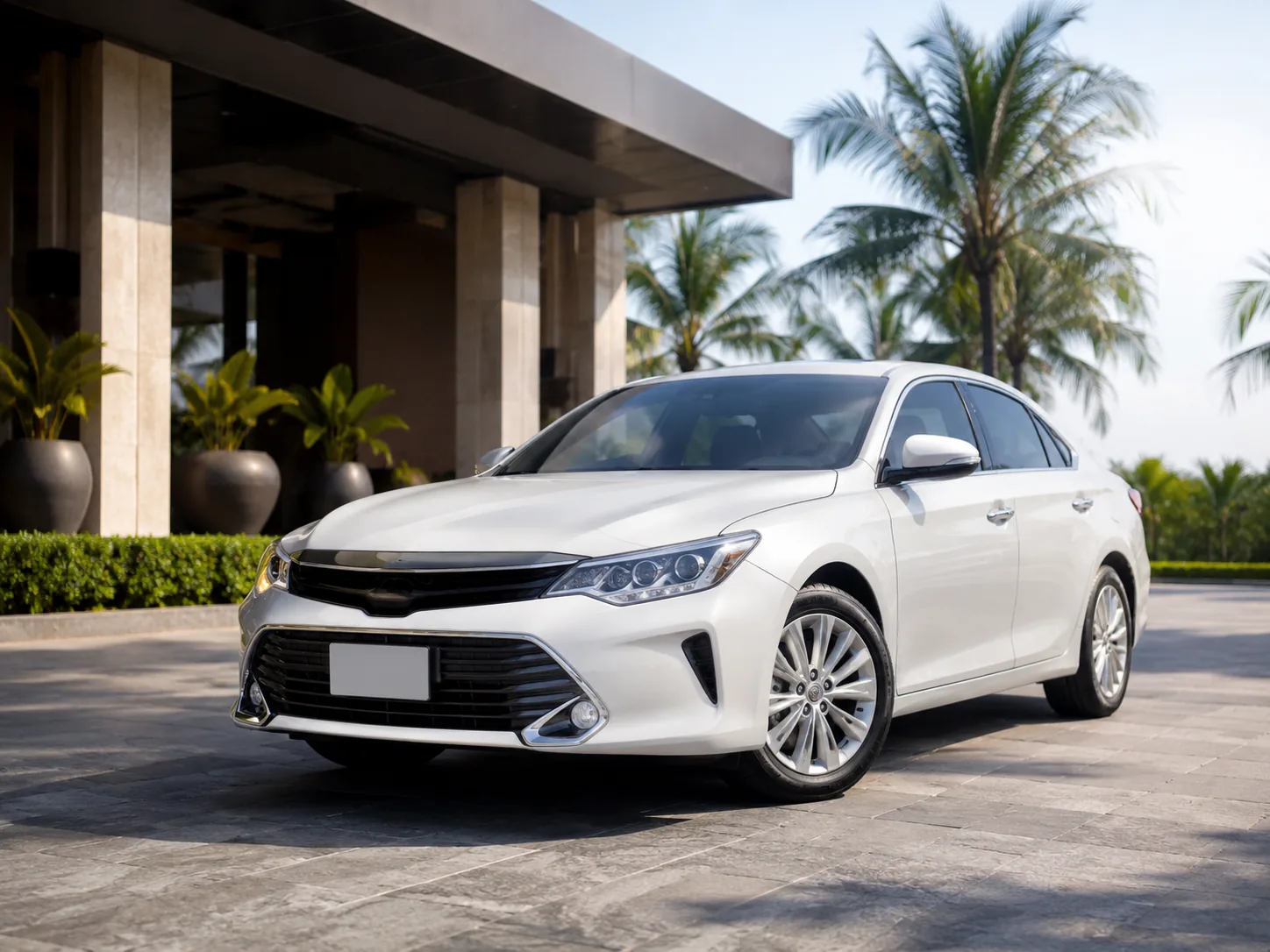
Sedan
Comfortable option for up to 3 passengers with standard luggage.
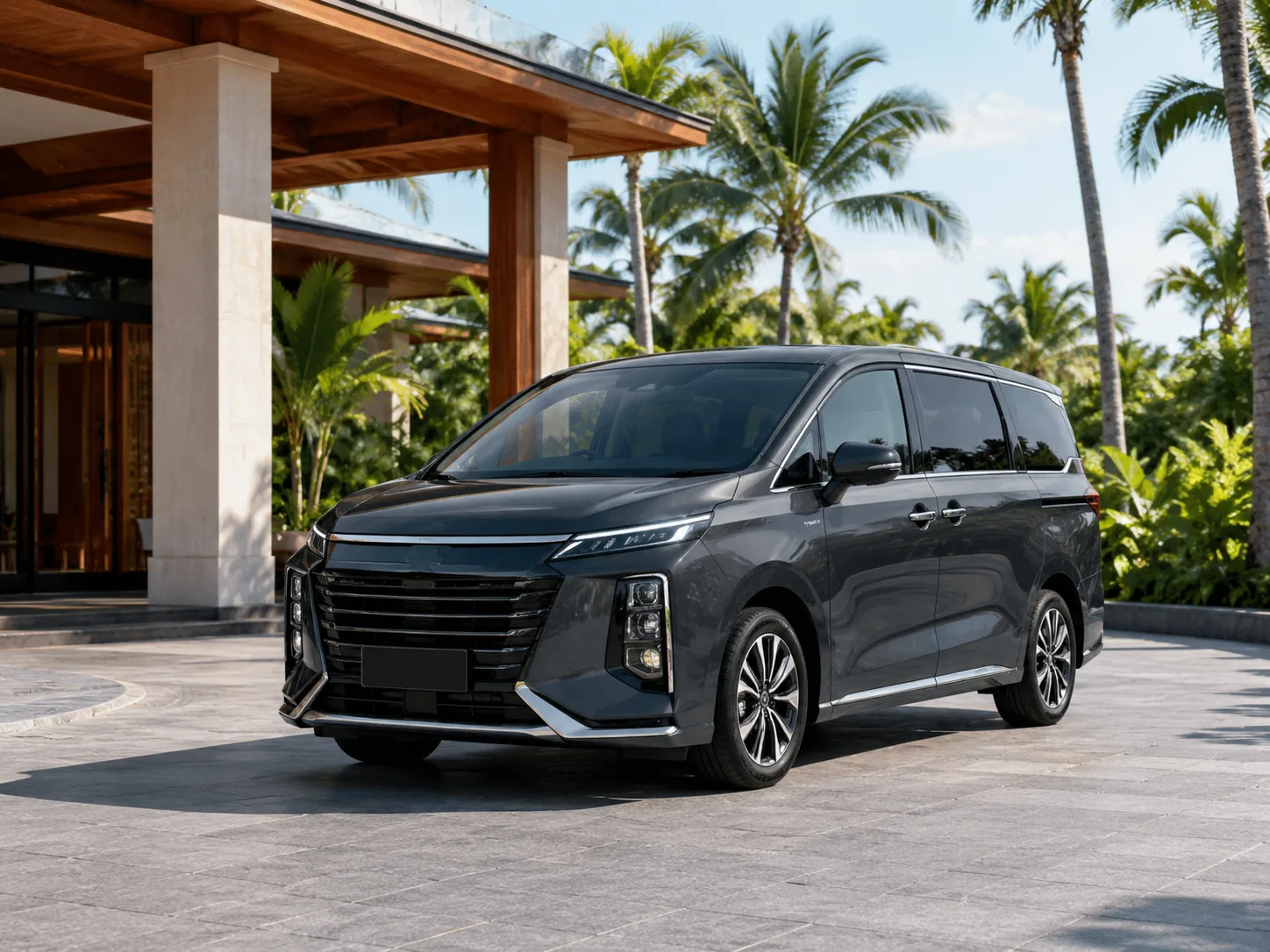
MPV / SUV
Spacious option for up to 4 passengers and additional luggage.
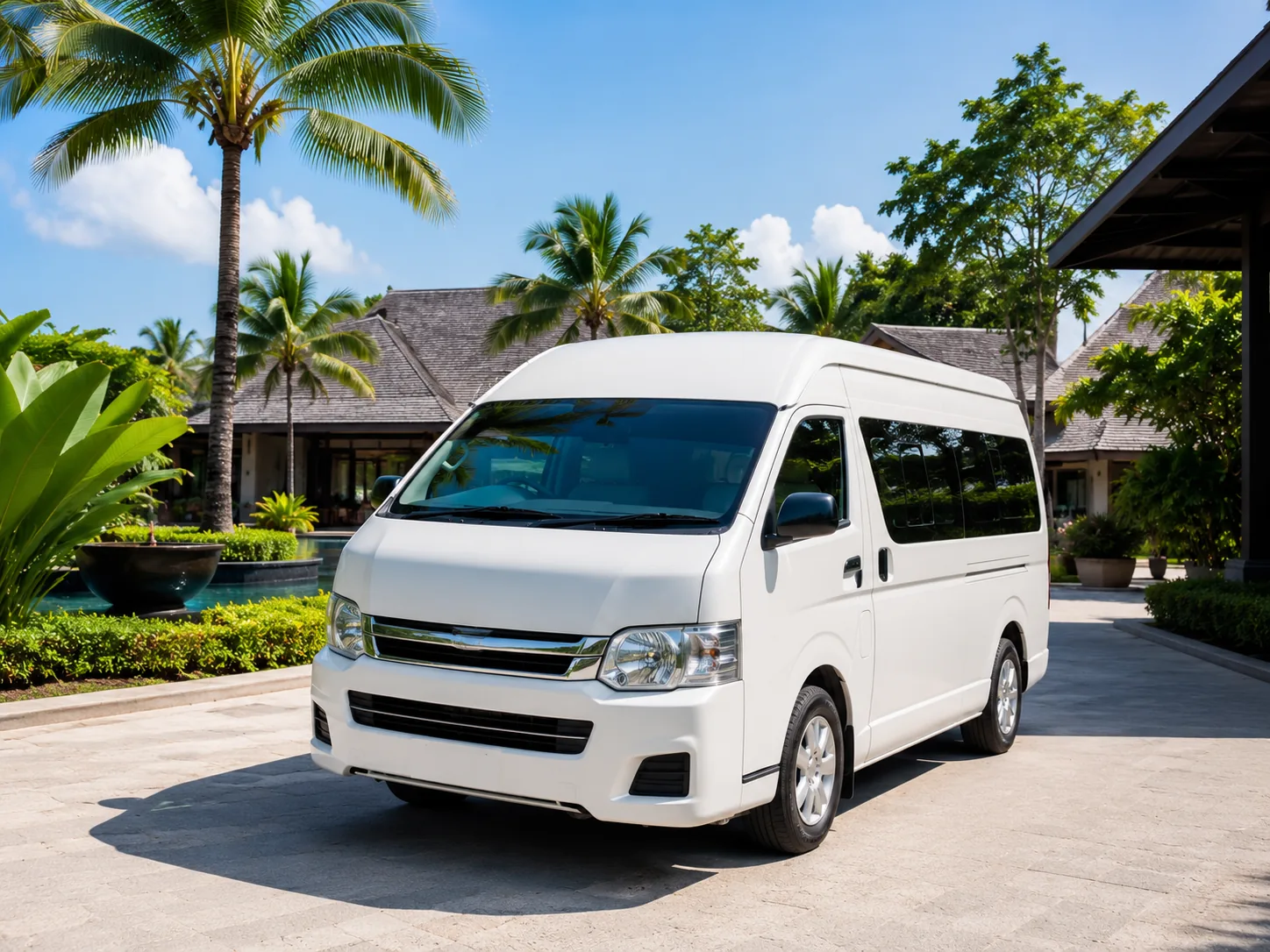
Minibus
Group option for up to 8 passengers; luggage capacity depends on the party size.
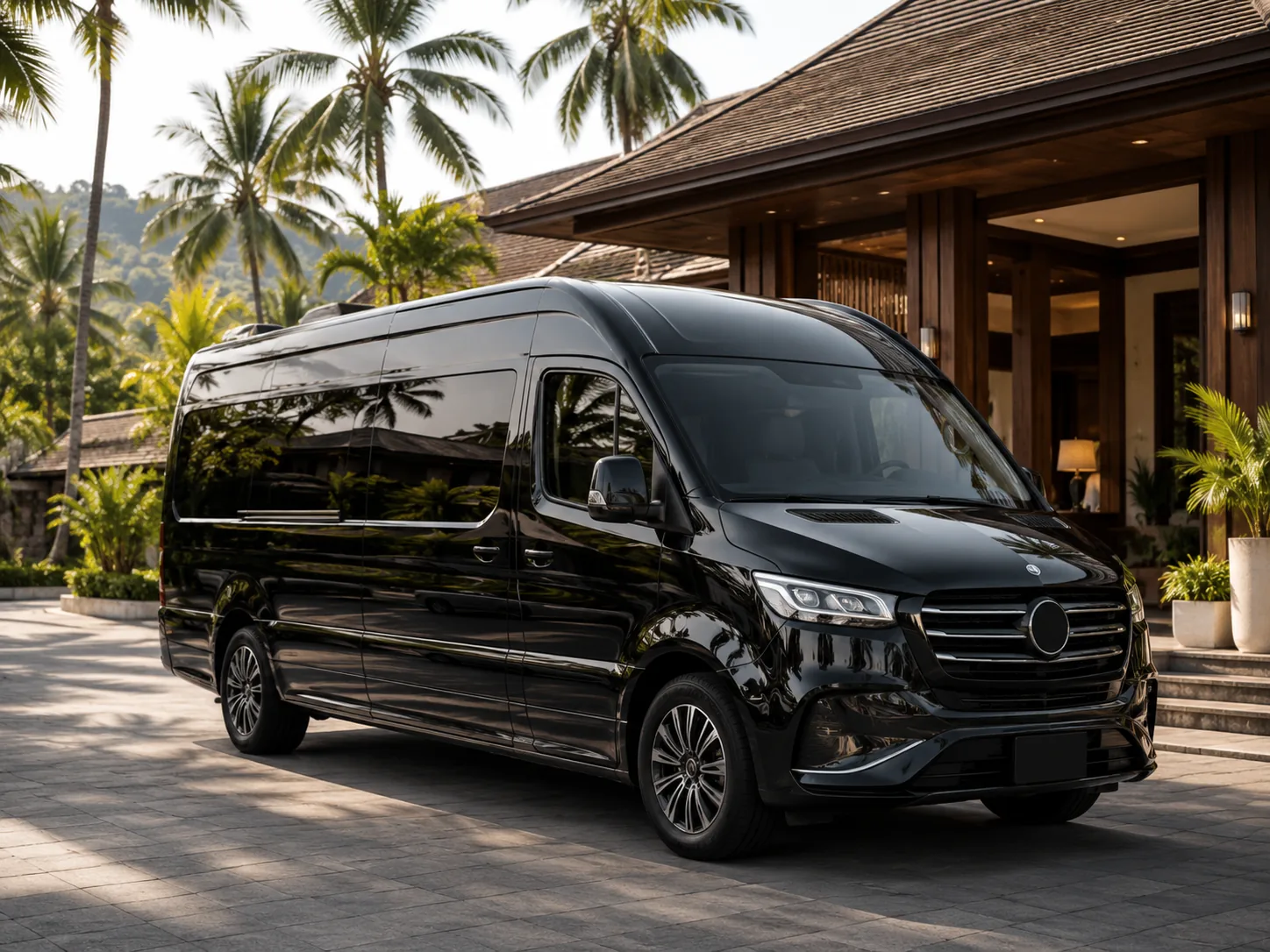
VIP Minibus
Premium group category for up to 8 passengers; the exact configuration is confirmed manually.
Published category limits are used for recommendations. The operator confirms the exact vehicle and any special setup.
A shorter booking path
The form keeps the standard trip short and reveals extra questions only when the route or trip details require them.
Choose your route
Start with an airport, area or destination.
See a recommendation
The form suggests a suitable vehicle category and asks only relevant questions.
Review and send
Review the route, vehicle and price status before sending.
Questions before you send a request
Clear status messages keep a quote, a submitted request and a confirmed transfer separate.
Is a submitted request a confirmed transfer?+
No. A submitted request is not a confirmed transfer. Special routes and trip details may need a human check before confirmation.
What does the displayed price mean?+
Vehicle fares are shown on each airport route page. Enter your travel date and exact address in the form to check the price for your journey. Some destinations and special requirements need operator confirmation.
What if my hotel or address is not listed?+
Enter the place manually. You can still send the request, but the price changes to manual confirmation so the location can be checked.
How is the vehicle category chosen?+
The form uses the published passenger and luggage limits to recommend a category. The operator confirms the exact vehicle before the transfer is confirmed.
Can I add a return trip?+
Yes. Add it in the optional trip details. The summary keeps the price status of each leg visible before submission.
Where is the meeting point, and what if my flight is delayed?+
At Phuket Airport, you will be met with a sign near Gate 2 for international arrivals, or near Gate A for domestic arrivals. Airport waiting is free if your arriving flight is delayed. If your flight details change, contact us with your request reference.
How can I pay, change or cancel my booking?+
Pay in advance by credit card, PayPal or bank transfer, or pay the driver in cash. Ask the operator for advance payment instructions. You can change or cancel your booking at least 3 hours before pickup. Contact the operator with your request reference.
Is a child seat included, and how do I specify luggage?+
Up to one child seat is included in the price. Request it when booking and provide the child's age so the operator can confirm a suitable setup. Enter every passenger and your luggage in the form so the vehicle can be checked for your party.

Ready to plan your route?
Choose the route and date first. You can review every detail and the price status before sending the request.